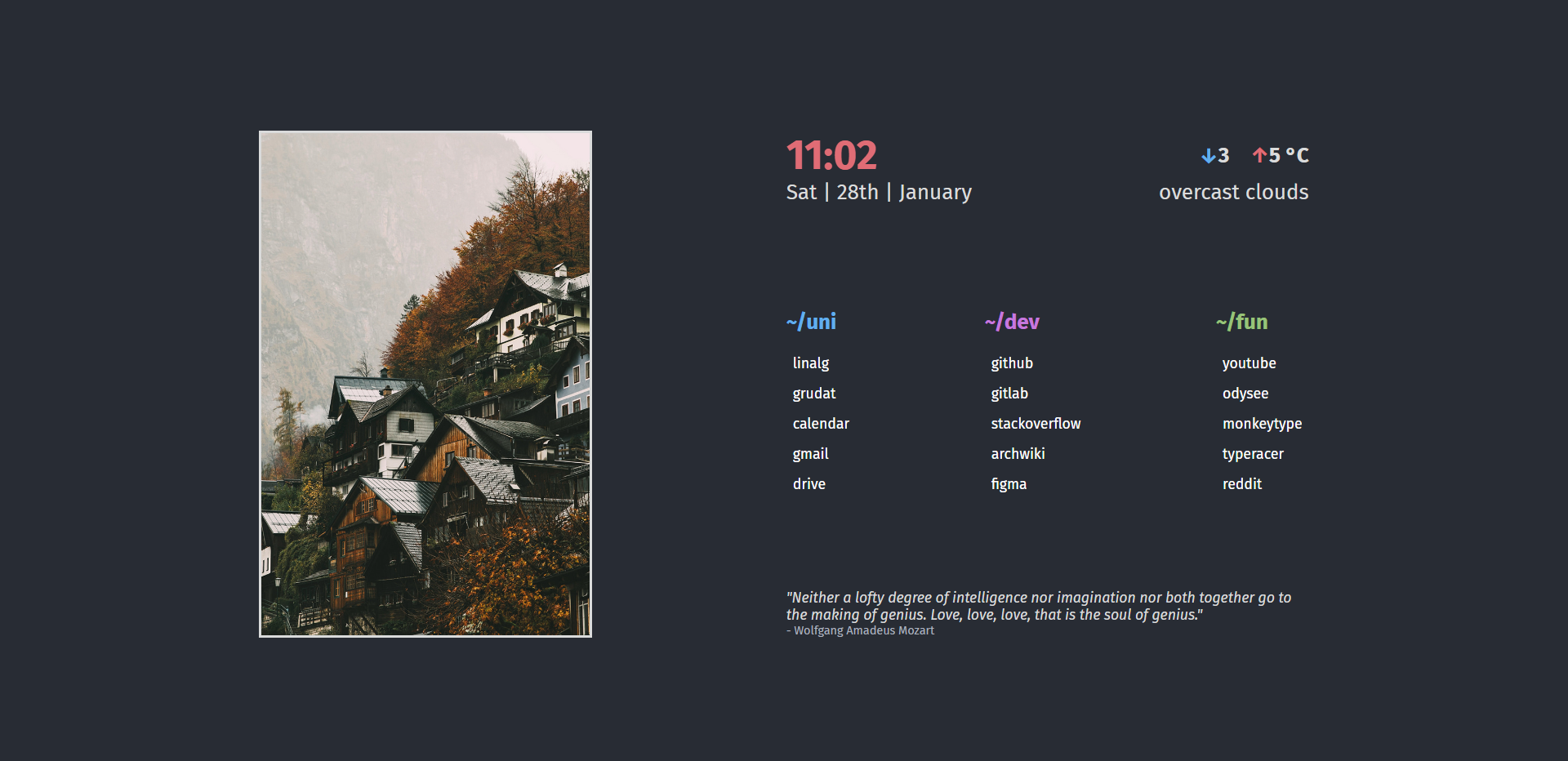
One-Page is a custom start page that helps you start your web browsing session right! With One-Page, you’ll have all the necessary information you need in one place, including the current time and temperature, as well as quick links to your favorite websites.
To add a little inspiration to your day, One-Page also features a random quote to motivate you as you begin your day.
Tech Stack
- ReactJS
- Styled Components
- OpenWeatherAPI
- Quotable API
- fetch API
Links
- Repository: GitHub
Installation
# Installation instructions
git clone https://github.com/R-Jin/One-page.git
cd One-page
npm install
To make the weather widget work create a openweathermap account and create a API key. Create a .env file in the root of the project check out the .env.example.
To edit the weather location. Change the city variable in src/api.js. The city codes are available on openweatherapi.
Change artwork in src/misc/artwork/ and change the file name to artwork.jpg.
Edit the links in src/components/Links/Links.js.
Usage
For testing on local server run:
npm run start
When done editing the files run:
npm run build
Lessons Learned
- Writing frontend and handle state with ReactJS.
- Fetching data from API using the fetch API.
- Keeping API keys secret using
.envfile