This is my personal blog where I share:
- Technical writeups from CTFs and HTB Labs
- Programming tutorials and insights
- Project showcases
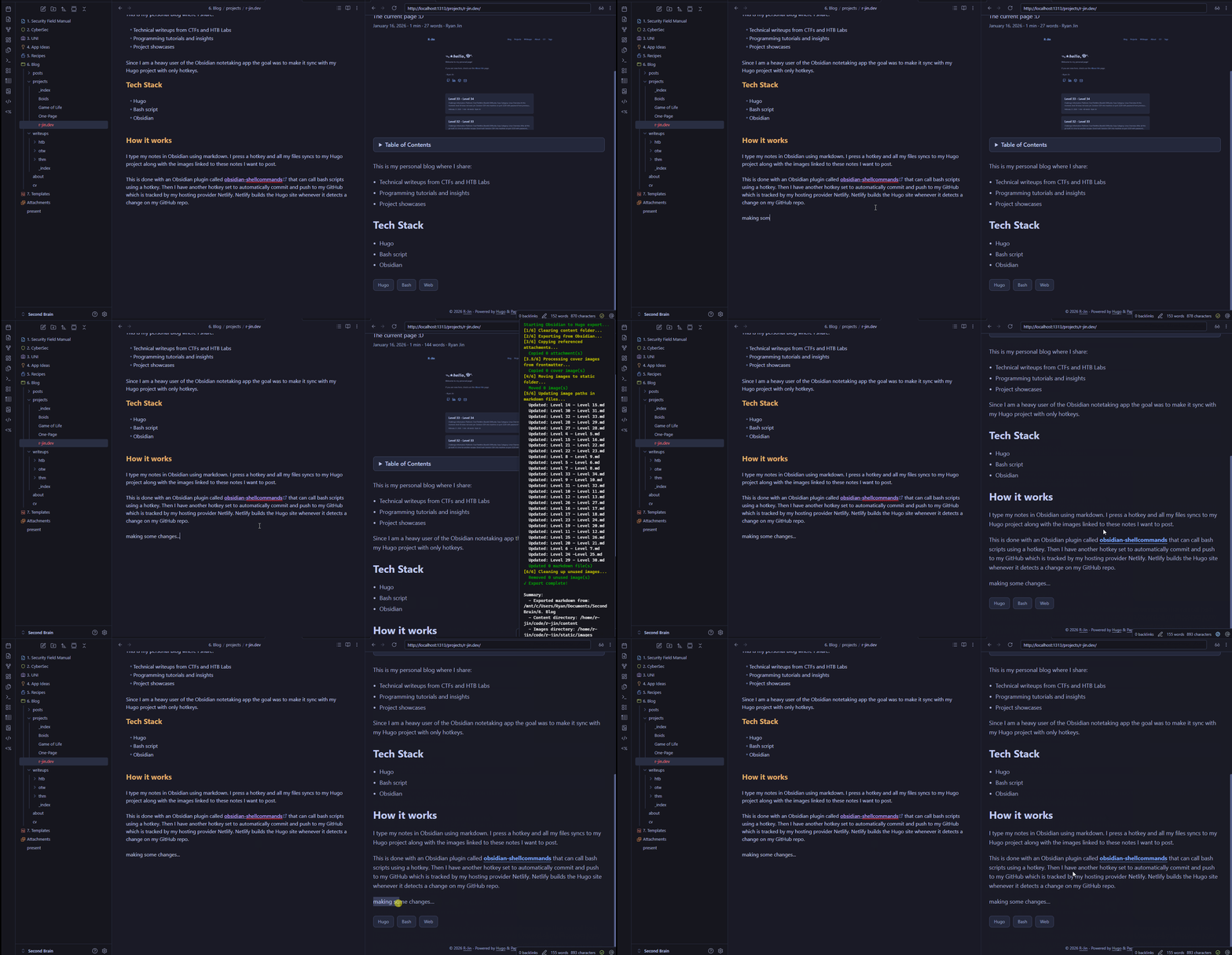
Since I am a heavy user of the Obsidian notetaking app the goal was to make it sync with my Hugo project with hotkeys within obsidian so I don’t have to leave the program to publish the posts.
Tech Stack
- Hugo
- Bash script
- Obsidian
How it works
I type my notes in Obsidian using markdown. I press a hotkey and all my files syncs to my Hugo project along with the images linked to these notes I want to post.
This is done with an Obsidian plugin called obsidian-shellcommands that can call bash scripts using a hotkey. The bash script I have setup will copy all the files I wanna post over to my Hugo project. It will also find all the image links from these posts and transfer them over.
Then I have another hotkey set to automatically commit and push to my GitHub which is tracked by my hosting provider Netlify. Netlify builds the Hugo site whenever it detects a change on my GitHub repo.